Modify authorization information for Facebook/Instagram
Modification steps
1. Modify the authorization information for the "WildGoose Live Chat" application
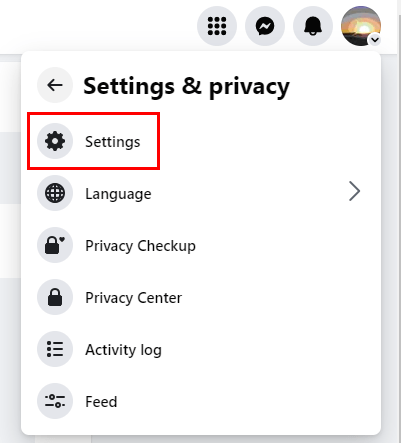
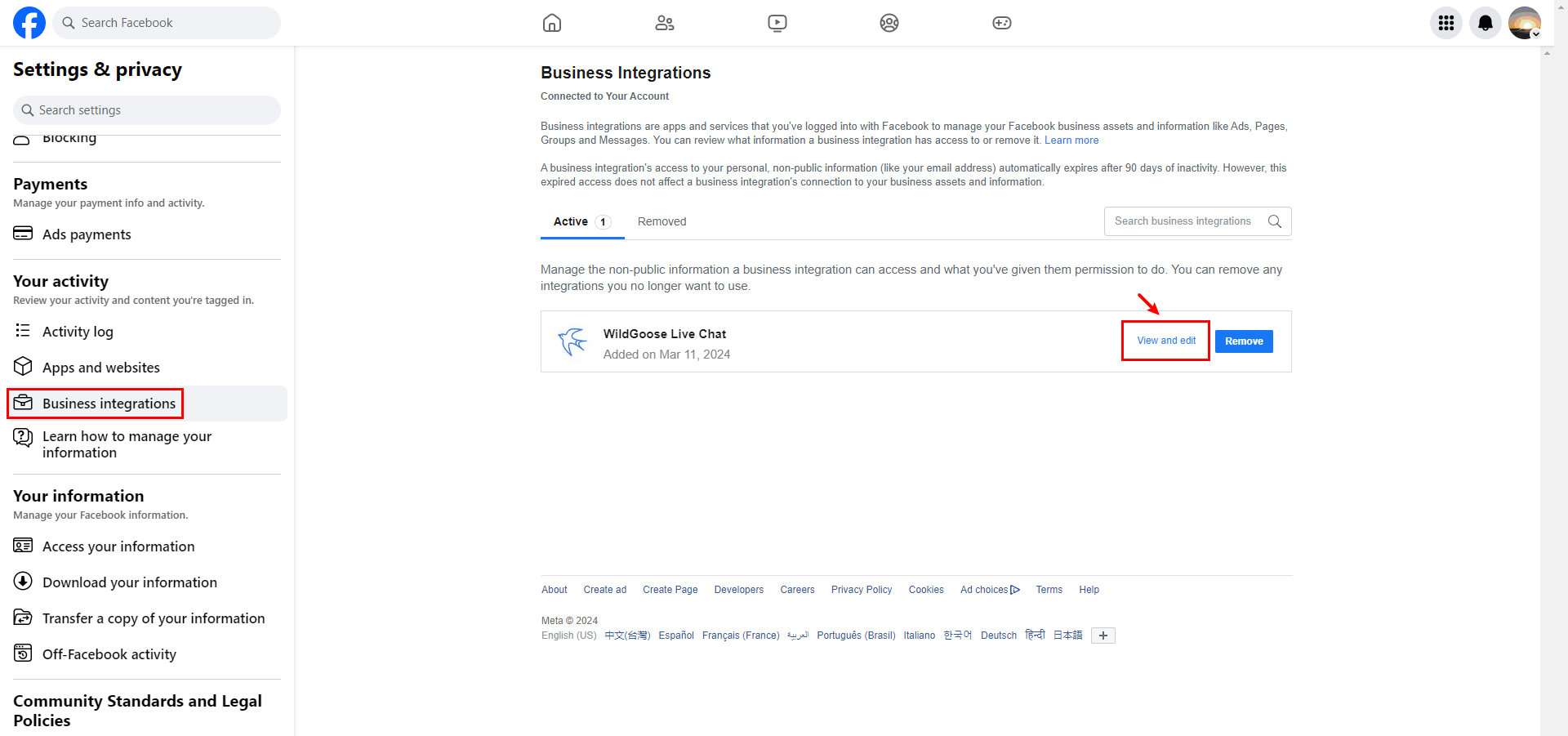
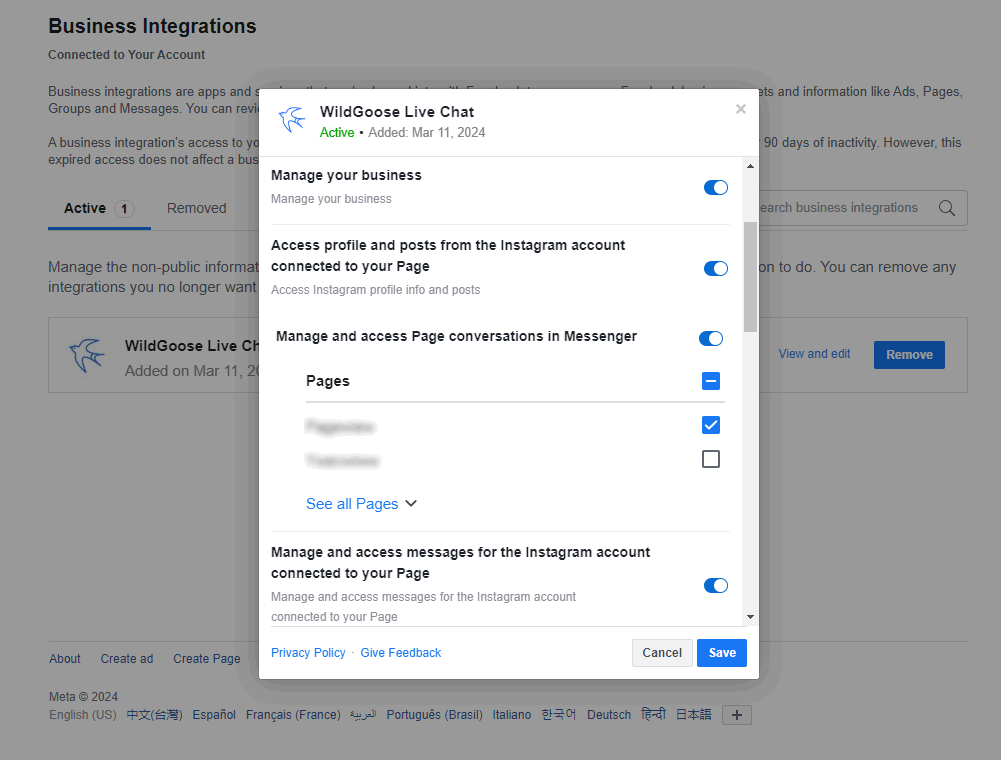
After logging into your Facebook account, click the [Settings & privacy] - [Settings] button, select [Your activity] - [Business integration] in the left navigation bar of the Settings and Privacy page, and then click the [view and edit] button of the "WildGoose Live Chat" application on the right page to edit the relevant authorization information.
2. Update authorization information in WildGoose Customer Service
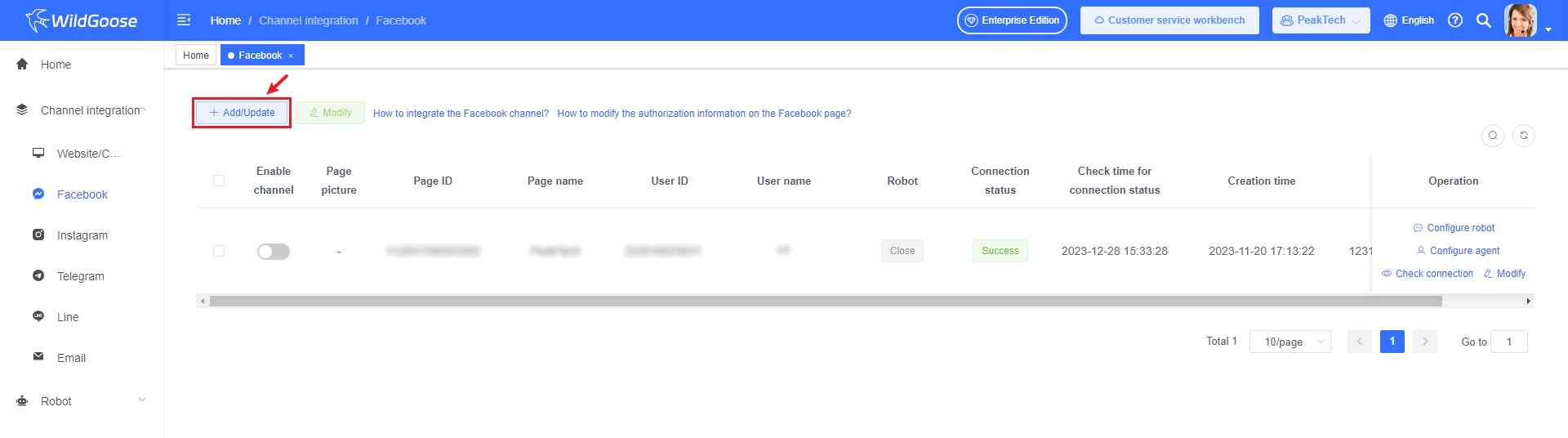
In the WildGoose customer service management system [Channel Integration] - [Facebook] or [Instagram], click the [Add/Update] button to update the permission information in the channel.